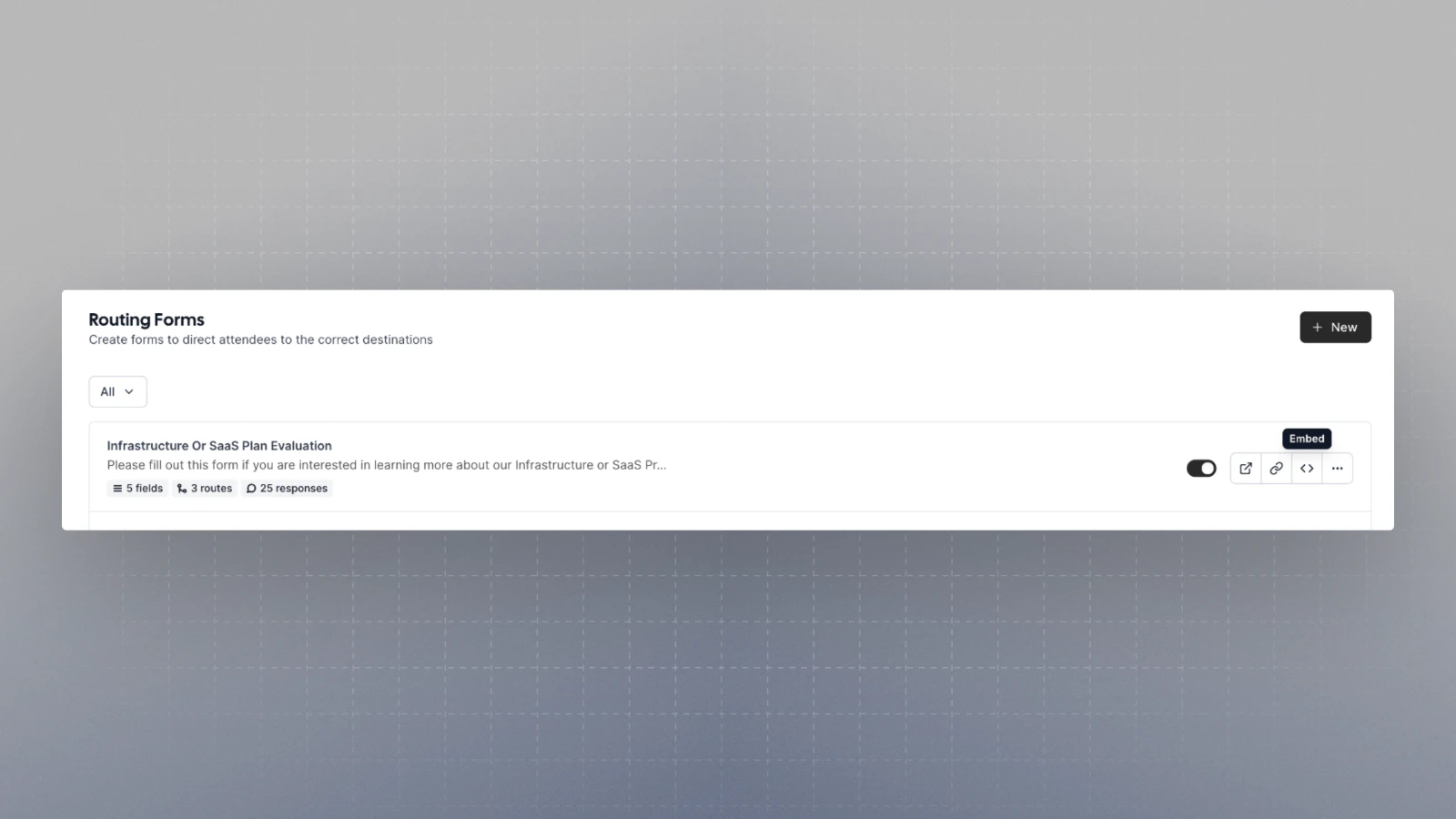
The snippets provided are automatically updated as per the cal.com instance. So, even when self hosting, you
can simply copy and paste the snippets from there
.png?fit=max&auto=format&n=NbrphbRF-8E3n06p&q=85&s=837585a12dfa4aa7234315698a8cf860)
Inline
Show the embed inline anywhere on the webpage. It let’s you show the embed at a particular place in your webpage. CodeSandbox link[React] CodeSandbox link[HTML]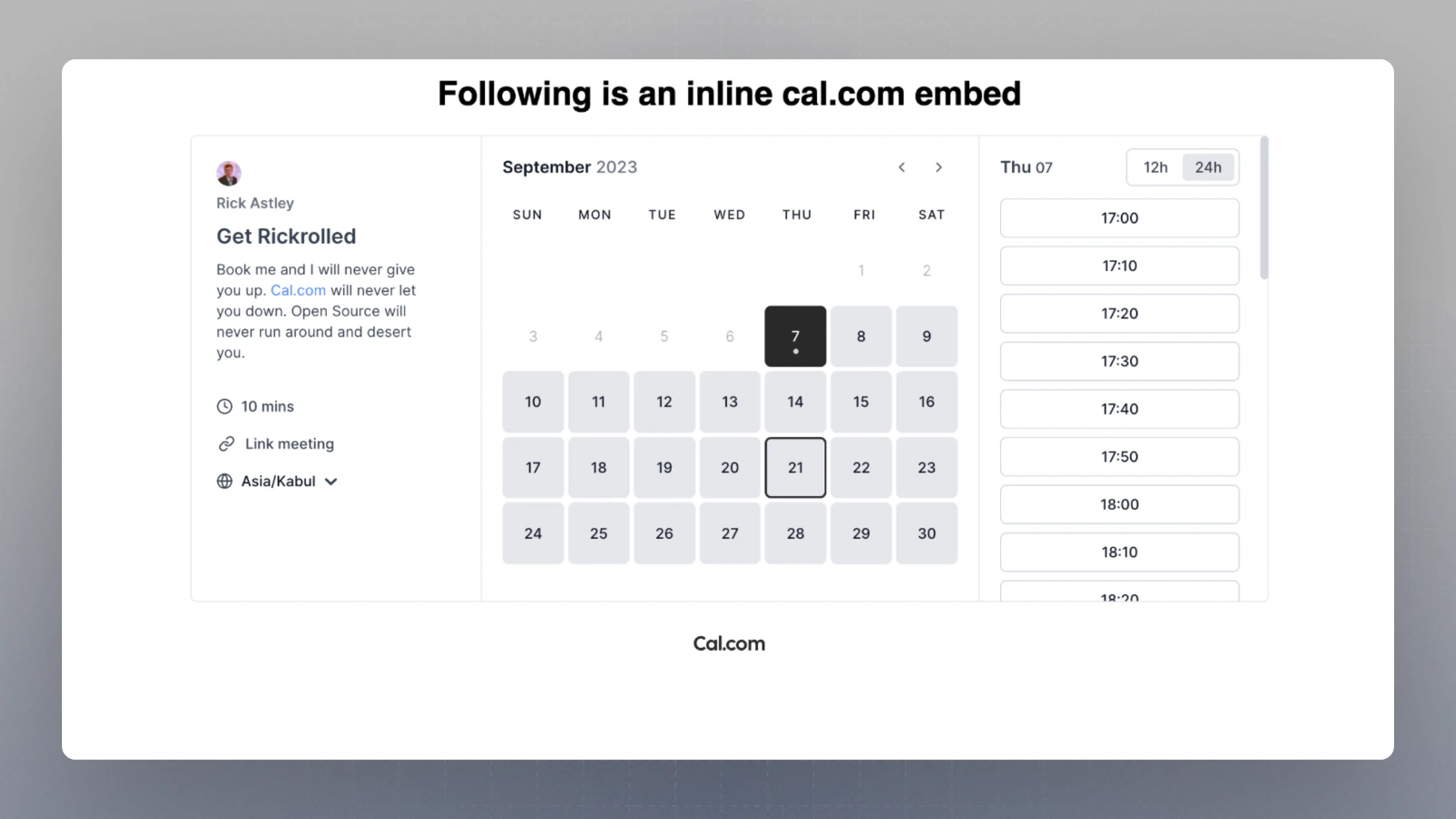
Pop-up via element click
Show the embed, on click of any element on your webpage, in a popup CodeSandbox link[React] CodeSandbox link[HTML]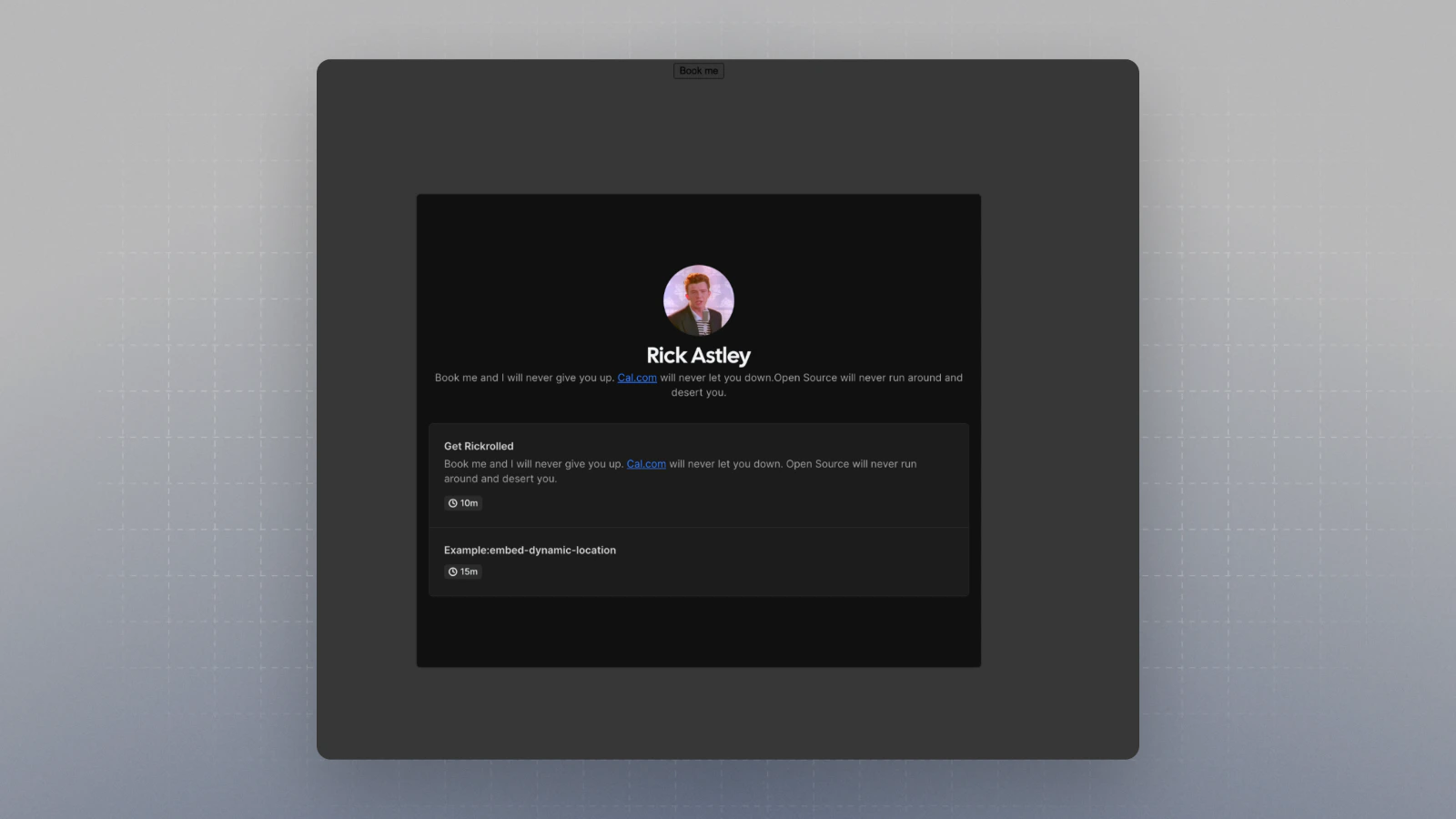
Floating button pop-up
Adds a floating button that can be customized and on clicking that the embed shows up in a popup. CodeSandbox link[React] CodeSandbox link[HTML]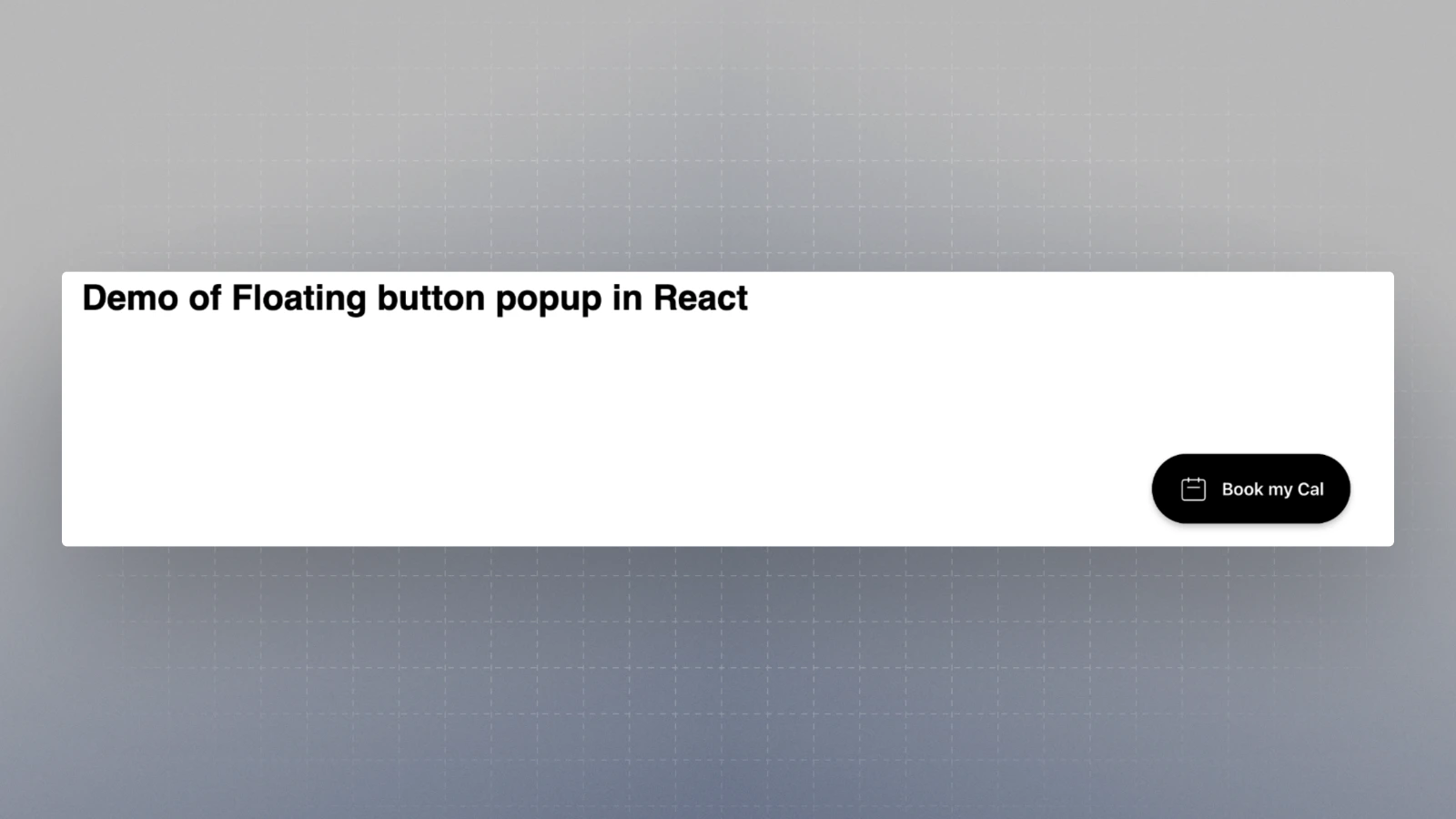
What can you embed?
- You can embed your cal.com link for an event type e.g.
rick/get-rick-rolled. You can get the snippet from the event-type page. - You can embed your profile page e.g. rick. For this, you can just update the snippet to replace your cal.com event type link with your username. e.g.
rick/get-rick-rolled => rick - You can embed your Routing Form e.g.
forms/YOUR_FORM_ID. You can get the snippet for that from the Routing Form page.